
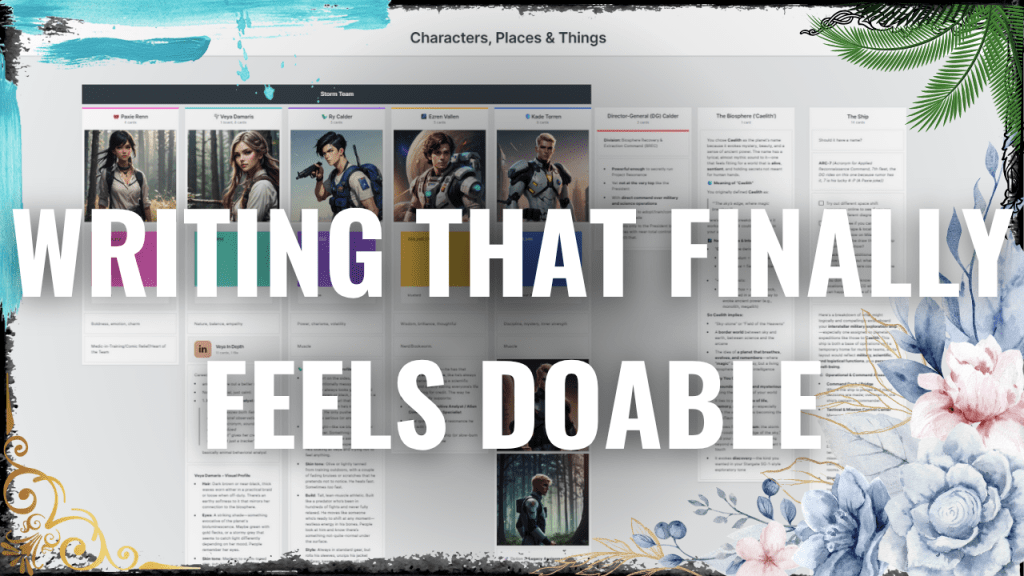
Most people use Milanote to brainstorm or outline. But I’ve started doing something different: I’m drafting my entire novel in Milanote—and it’s actually helping me write more.
In my latest YouTube video, I walk through how I use Milanote not just to plan, but to write my novel from start to finish. I share how this visual, ADHD-friendly setup keeps me motivated, organized, and out of perfectionist spirals. Plus, I include a few quick keyboard shortcuts that save time and make the process feel frictionless.
📽️ Watch the video here:
Future Me Here:
Unfortunately, I did end up requiring the linking feature for novel writing and so I have moved on to using Notion to draft the rest of the novel. You can find the video of my updated drafting process here:
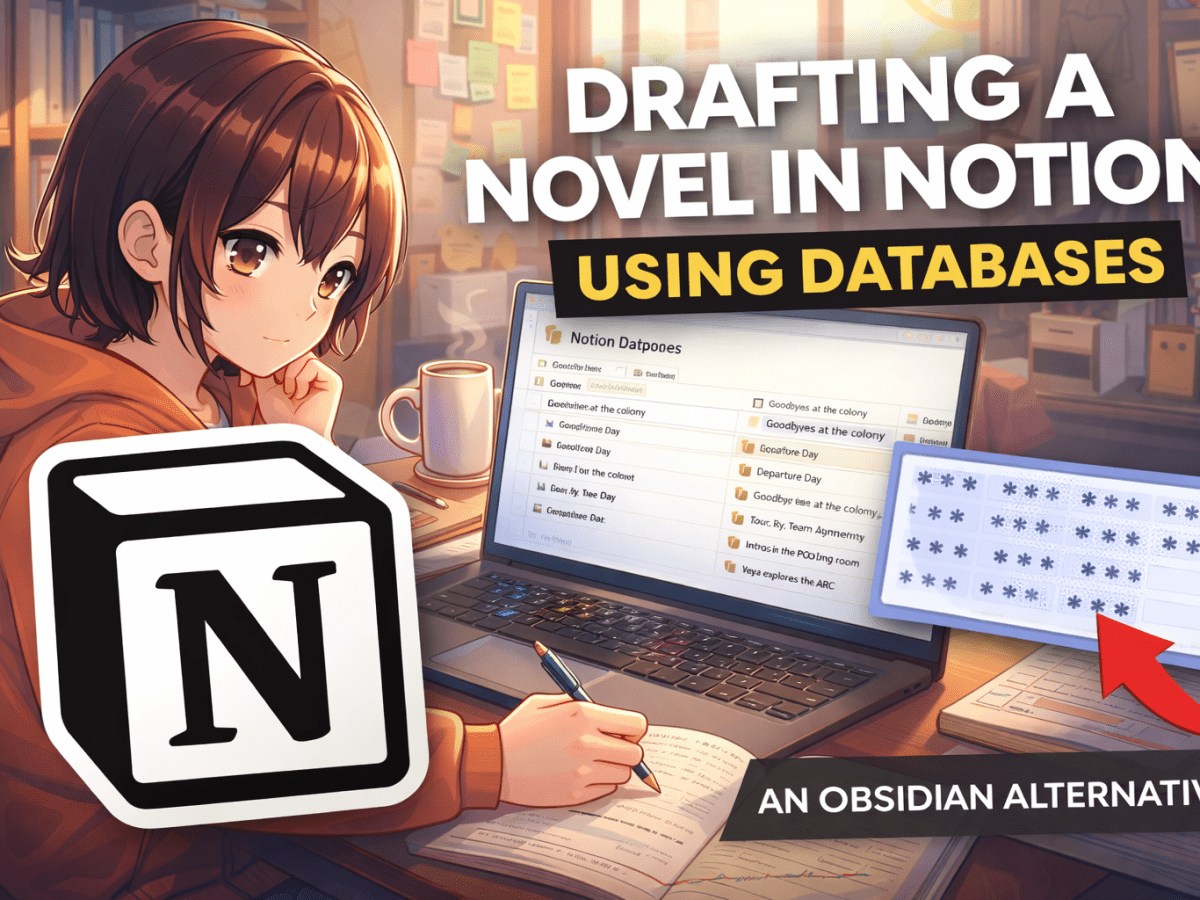
How to Draft a Novel Using Relational Notion Databases as an Obsidian Alternative
I thiiink I may have landed on the perfect novel writing system on Notion. It gives me the flexibility I want while still letting me track the things that matter in a story. All the organization is there when I need it, but it lives quietly in the background so the drafting space doesn’t feel…

💬 Questions about how I set mine up? Drop them below—I’d love to help!
👇 Let me know if you give Milanote a try!
Follow via WordPress
For more writing tips, creative tools, and behind-the-scenes of my stories, sign up below to stay updated on new posts here on GWUWI.com!



 Green Where You Water It
Leave a comment