
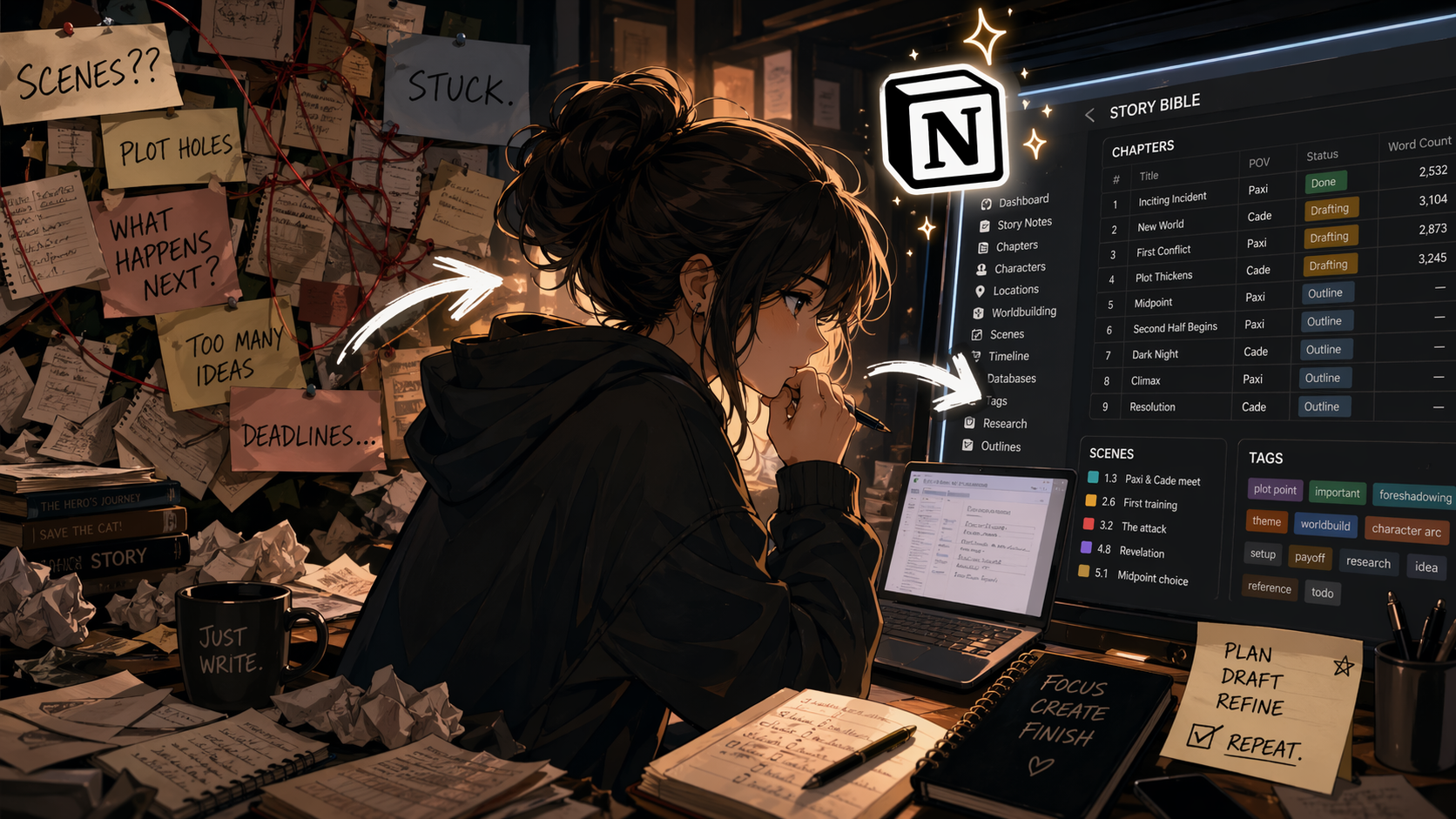

Sooooo….I’ve explored so many options when it comes to drafting novels. lol From writing by hand to Milanote and back to Notion.
Last video showed how I’m drafting the novel using relational databases. So tags + story bible.
This video revisits that briefly but also shows the new database addition for outlining.
I needed everything in the first database to remain as is and be the chapters drafting area and be otherwise clean (unless, of course, it’s cannon—i.e., set in stone).
But I needed to move points around that still feel a bit off or require work. Hence the outline database in gallery view, where Notion’s AI just does the summaries for you, which is SO fantastic. And a clean, minimalist look to it (sort of).
This isn’t a how-to guide, more like a walkthrough of how I have it set up. I may do a how-to guide later if it sticks (i.e., I stick with it).
But I hope you can glean some ideas for your own novel writing setup in Notion from this!





Leave a Reply